Header variants and menus built from page sections
The vendor names fixed and sticky headers with the logo left and menu right, a sticky "big" header with the menu below the logo, a centered logo with menus on both sides, and a centered logo-and-menu arrangement. One fixed variant hides the menu on scroll and reveals it on hover, and every option supports separate normal and sticky logo images.
Two entry types go beyond standard page links. A sticky content menu assembles navigation from sections you select on a page, and anchor functionality lets a menu item jump to a section on the same page or another one. On a one-page site or a long services page, that turns your own content into the navigation, which is a cleaner result than a menu of unrelated links.
Per-page transitions, title areas and footers
AJAX page transitions come with four animations, and the vendor says they can be controlled globally or per page. That is a small thing with real consequences: you can keep the effect on a portfolio route where it adds atmosphere and turn it off down a checkout path where it gets in the way, without a plugin.
Title area layouts are listed as unlimited, and footers can run from one to four columns with regular or unfolding behavior. Video background sections and a parallax image or video slider are also in the feature list. All of these are settings you make while building, so the value depends on whether you want to make them. A theme with fewer options forces decisions for you; Stockholm hands them over.
Three editing paths and the Qode plugin layer
Stockholm straddles more than one editor. The compatibility attributes list Elementor, WPBakery Page Builder, the block editor and WPML, and the vendor prose adds the Qi addons line: Qi Addons for Elementor and Qi Blocks for Gutenberg. In practice you can build with Elementor widgets, with WPBakery, or with native blocks plus Qi Blocks.
The vendor also lists a set of included plugins and modules beyond the theme itself: a restaurant menu custom post type and Menu List shortcode from the Select Restaurant Plugin, membership plugin and user login/dashboard pieces, and QODE Wishlist for WooCommerce compatibility. Sliders and carousels appear in several forms, including Portfolio Slider and Carousel and Product Carousel shortcodes.
Shop and content layouts
WooCommerce integration is listed for the 9.x and 10.x release lines, along with product list, product list elegant and product carousel shortcodes. QODE Wishlist compatibility means visitors can build and share lists of products they want, which suits the boutique and gift-retail use cases the vendor names.
On the content side, the vendor claims multiple portfolio single and list layouts, including masonry (regular and Pinterest style), gallery, standard and horizontally scrolling portfolio lists, plus slider and carousel shortcodes. Blog layouts number six named varieties: masonry, animated, centered, chequered, large image and Pinterest, each with corresponding single layouts. Post formats cover standard, gallery, link, quote, video and audio.
Demo photography needs its own permissions
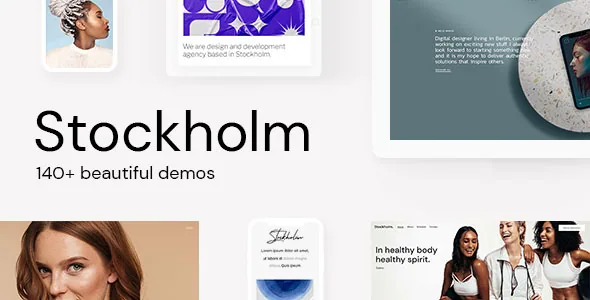
The vendor states plainly that it does not own copyright to the demo images and that they are for presentation only. Some demos use images from Wikimedia Commons. You will need to license your own photography, so budget for that separately from the theme.