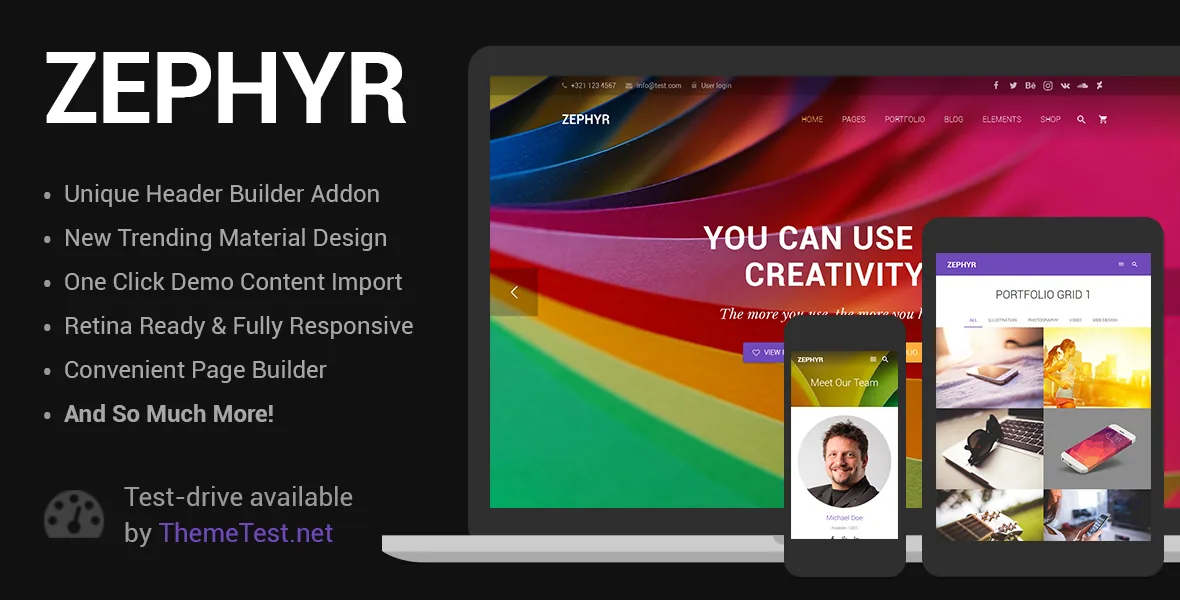
A theme defined by what its vendor left out
UpSolution does not present Zephyr as a blank-slate design system. The vendor's own description calls it a simplified copy of Impreza and then lists the differences in plain terms. That framing is the most useful thing to know before you install it, because it tells you the product was scoped on purpose rather than cut down by accident.
The differences are concrete. Impreza bundles more premium addons. Impreza ships the Font Awesome 5 Pro icon library with its full set of icons and styles; Zephyr provides Font Awesome 5 Free. Impreza offers over sixty pre-built demo sites that the vendor says is still growing; Zephyr includes one. And where Impreza's element controls default to Font Awesome icons, Zephyr uses Material icons.
If you are deciding between the two, that list is the whole decision. Zephyr is for a project that does not need a demo library or a pro icon set, and that reads the Material default in controls as a feature rather than a limitation.
What one demo site changes about starting a build
One pre-built demo means one starting point, not a menu of layouts to sample. The vendor publishes a single demo at zephyr.us-themes.com, so the reference you design against is fixed: header treatment, section rhythm and colour decisions all come from that one site.
Practically, that pushes more of the page composition onto you. With sixty demos, the usual workflow is to find the closest vertical and adapt it. Here you either build your page structures from the theme's elements or restyle the single demo heavily enough that its origin stops showing. Neither is a problem for a small corporate site; it does become one if your project depends on picking up a ready-made layout for a specific industry.
A reasonable way to judge the demo before committing is to open it on a phone as well as a desktop. The theme is listed as responsive, but only the live site shows you what the responsive behaviour actually looks like at the breakpoints you care about.
Material icons in the controls, not just the palette
The Material Design label in the product name could mean a colour-and-elevation skin. In Zephyr it also has a mechanical meaning: elements' controls, such as the previous and next arrows in a slider, use Material icons by default instead of Font Awesome ones. That is where you will notice the difference from Impreza first, and it is also the detail that keeps small interface pieces visually consistent across an element set rather than only across a page.
The Font Awesome boundary sits alongside it. Font Awesome 5 Free covers the standard free set; the Pro library's additional styles and icons are not part of what the vendor describes here. If a design mock relies on a Pro-only glyph, plan to substitute or supply your own SVG instead of expecting it in the installed theme.
Attributes recorded for version 9.3.1
The marketplace listing, observed on 3 November 2026, carries a set of vendor and marketplace attributes worth reading as stated positions rather than as test results. Gutenberg Optimized is marked Yes, which is a vendor claim that the theme is built with the block editor in mind. Widget Ready is Yes, documentation is described as well documented, and high resolution is marked Yes. The files listed for the ThemeForest package are PHP, CSS and JS.
The main category is corporate, which fits the single-demo scope better than a multi-purpose label would. The listing also records Chrome, Firefox, Safari, Opera and Edge as compatible browsers and reports the latest marketplace version as 9.3.1, with the vendor's changelog entry pointing to a September 2026 release. Those are statements about the theme's support rather than proof of how it behaves on your hosting or with your plugin stack.
One gap is worth naming: the vendor's own comparison emphasises that Impreza includes more premium addons, but it does not enumerate which addons Zephyr omits. If a specific plugin bundled with Impreza is the reason you were considering that family, confirm its presence before you build around it.
Marketplace standing, and what it does not tell you
On the same observation date the listing showed 13,063 sales and a rating of 4.87 from 552 ratings. That is a long sales record for a theme positioned as the lean option in its family, and it suggests the stripped-down scope has found buyers rather than repelled them. It says nothing about whether the specific features you need are present, and nothing about the quality of support responses on your particular problem.
The vendor does point to a support forum from the item description, and the documentation is listed as well documented. For a theme with one demo, the documentation matters more than usual: it is the substitute for the guidance you would otherwise infer from browsing a large demo library.
Questions & answers
Is Zephyr a different theme from Impreza, or the same code?
UpSolution describes it as a simplified copy of Impreza with listed differences: fewer premium addons, Font Awesome 5 Free instead of the Pro library, one demo site instead of more than sixty, and Material icons as the default in element controls rather than Font Awesome. The vendor does not publish a full addon-by-addon comparison, so the omission list is the part to verify against your requirements.
Does one demo mean I can only build a site that looks like the demo?
No. A single demo limits your starting point, not your layouts. You can compose pages from the theme's elements and restyle the demo, but you will not find a ready-made layout for a specific industry to import and adapt, which is the workflow the larger demo libraries support.
Can I use the block editor with Zephyr?
The marketplace listing marks Gutenberg Optimized as Yes, observed on 3 November 2026. That is a vendor and marketplace attribute about the theme's block-editor support; it does not describe which templates are built with blocks, so check a page built in the block editor on a staging install before you commit a full site to that workflow.