A site shaped by destination pairs, not pages
The vendor's description of how a transfer is created decides the build order: transfers are established between sets of two destinations, and you make a transport type accessible between any two of them. Destinations and transport types are therefore records the booking form reads from, not decorative content.
Each destination can carry the kind of detail the vendor treats as both reassurance and search material, so a route page can hold more than a price. Transport types are separate, and when you create one you specify the maximum number of passengers and the amount of permitted luggage; those figures are then used during booking to cap how many people can book that transfer. Get those two record types right and pricing, availability and the front-end form all inherit them.
Private and shared rides, two pricing bases, and extras priced per item
Private and shared transfers are both sold from the same system, with prices set per vehicle and/or per person. The passenger limit attached to a transport type is what gives a per-person price its meaning.
Seasonal rates let a price change through the year rather than being edited by hand before each peak. Surcharges are a separate, open-ended list: the vendor names luggage fees, insurance and accommodation costs as examples, and says you can create as many as you need. Each extra item takes a maximum quantity and a price per additional item, and both apply to private and to shared bookings. That combination — a base fare, a date-sensitive rate, and per-item extras with caps — is what you configure instead of editing a fixed fee table.
Frequency set during availability setup
How often a transfer runs is part of its own setup: the vendor says frequency is chosen during the transfer availability setup, and lists monthly, weekly, daily and multiple times a day as the options.
The vendor also advertises an availability checker that shows customers when a service is available and syncs with those settings. The description stops there. It does not say how the checker handles two bookings competing for the same departure, time zones, or a cut-off before departure, so if you run fixed departure times rather than on-demand pickups, test a live booking against your own schedule before you commit.
Reservation emails or WooCommerce orders
There are two ways to close a booking. In reservation mode the booking information is sent by email and nothing is charged on the site. With WooCommerce, the booking becomes an order and payment can be collected online.
The vendor points to PayPal, Stripe, direct bank transfer and cash on delivery, and notes that WooCommerce's other gateways apply as well. Read that as: your payment, tax and order-email setup is WooCommerce's, and the theme contributes the transfer details that feed it. The marketplace compatibility field, as observed on 4 November 2026, lists WooCommerce 7.x through 10.x; that is a stored declaration rather than a test result on your install.
Seven transport modes over one set of records
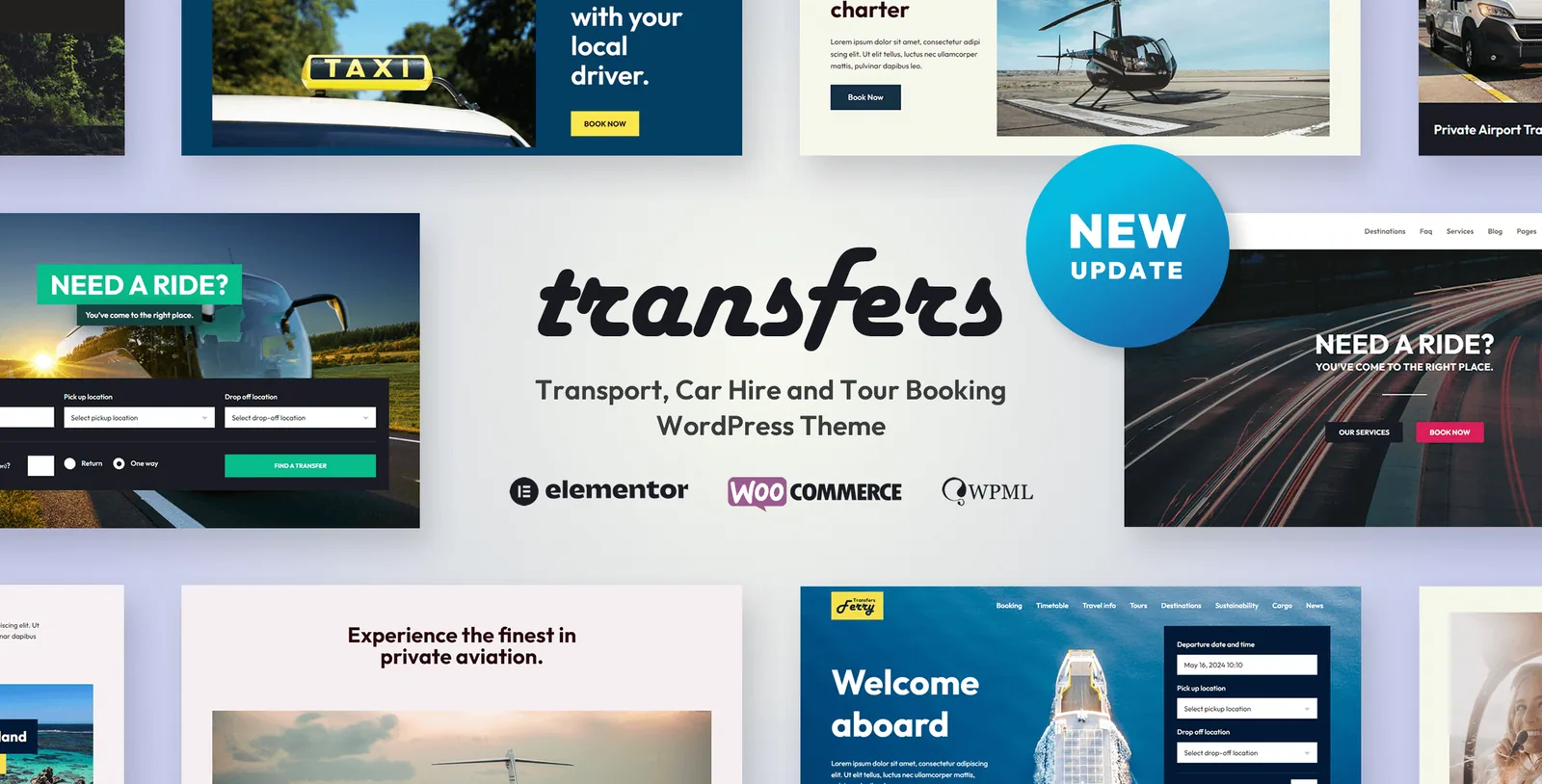
The demos are organised by what is being booked — airport shuttle van and bus, helicopter, taxi and car hire, ferry, train, private jet charter, and guided tours — and import in one click. The vendor presents them as mixable rather than as seven separate installs.
That framing is consistent with the data model: a helicopter operator and a minibus operator are filling in the same destinations, transport types and pricing rules. What you choose is a starting skin. Tours are the more consequential addition, described as a way to sell tours alongside transfers for an extra revenue stream; if your business already runs day trips from the airport you serve, look at how that second content type is handled early.
Elementor, RTL, and the limits of the compatibility field
Pages are edited in Elementor, which the compatibility field lists alongside Elementor Pro, Contact Form 7 and WPML. The vendor also describes inbuilt RTL support and translation readiness — a separate claim from WPML, which you supply.
The same field marks Gutenberg Optimized as Yes — a statement about theme styling in the block editor, not about Elementor elements appearing there — and declares WordPress versions from 4.9.x upward, with browsers including IE9 to IE11 and current ones. These are declarations stored with the listing, and the vendor's responsive and SEO wording is intent rather than measured outcome. Three things the description leaves open: demo image licensing, how the front end behaves once seasonal rates change mid-season, and whether a journey can include more than one leg. Check those against your own routes before building around them.
Questions & answers
Can Transfers take bookings without online payment?
Yes. The vendor describes a reservation mode that emails the booking details instead, with WooCommerce as the alternative when you want to collect money on the site.
Do private and shared transfers use the same pricing rules?
The vendor says both are sold from one system, with prices set per vehicle and/or per person, and that surcharges with a maximum quantity and per-item price apply to both booking types.
How do I control how often a transfer runs?
Frequency is chosen during the transfer availability setup — monthly, weekly, daily, or several times a day — and the front-end availability checker is said to reflect those settings.
Can the same site sell tours as well as transfers?
The vendor lists tours as an addition to the transfer system, framed as a second revenue stream rather than a separate product, and one of the seven demos is built around guided tours.