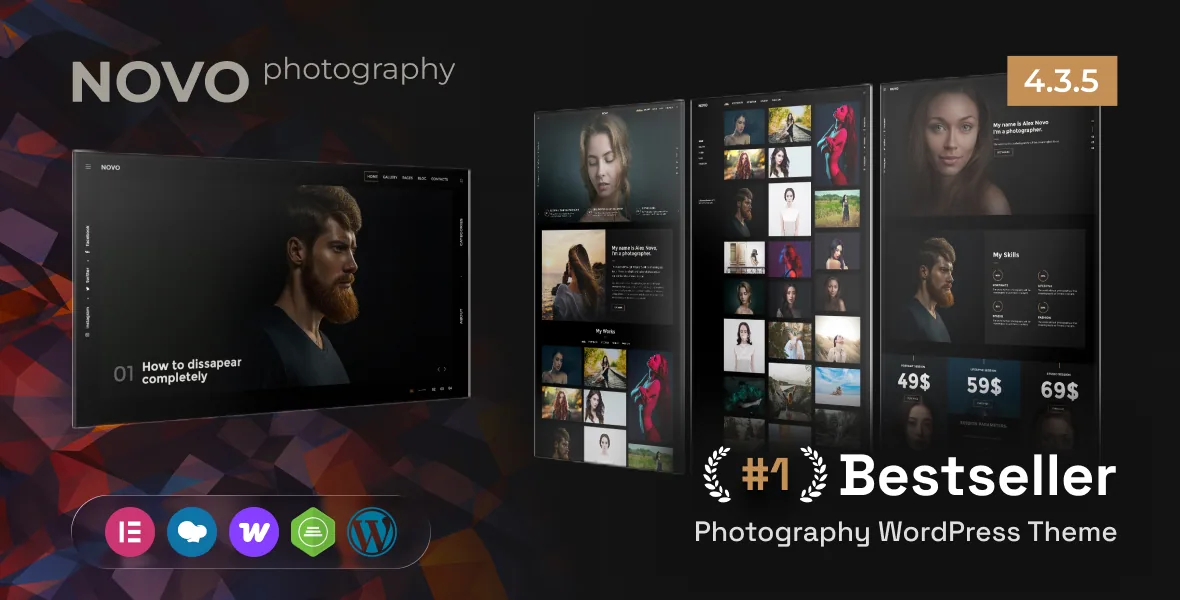
Proofing sits at the centre of the theme's claim
Vendor descriptions of photography themes usually open with a grid and a homepage. Novo's marketplace description instead names five features as its professional photography set: photo proofing, password-protected galleries, a before/after gallery, booking and right-click protection. Those five describe a relationship with a client, not a way to arrange images.
Read in sequence, they cover the stretch of work after a shoot. A client opens a private gallery, marks which frames they want, compares an edited result against the original, and can book the next session without leaving the site. Promo Theme presents each as part of the theme rather than as something you assemble from separate plugins. For a photographer whose site has to carry the delivery conversation, that overlap is the reason to look here.
All of this comes from the vendor's listing. Nothing in the record shows how a proofing round behaves with a few hundred images, or how selections are captured and passed back to you. Both are worth a test with one real client before you build a process around them.
Passwords and right-click protection set the viewing conditions
Password-protected galleries solve a routing problem: a wedding party, a magazine editor or an agency should reach their set directly rather than browse everything you have shot. Pairing that with right-click protection frames the gallery as shown under conditions.
Be clear about what right-click protection is. It discourages quick saving from the browser menu; it does not watermark, encrypt or license a file, and a screenshot is still a screenshot. Password protection likewise controls entry, not onward distribution of what a client downloads or forwards. These are useful courtesies with clients, not rights management.
The before/after gallery is the most particular item on the list. It earns its place when the value is the edit itself — restoration, retouching, colour grading — because the comparison happens in one view instead of two files opened side by side. The vendor lists the feature; it does not describe how the two images are paired or configured, so budget time to see a comparison working with your own files.
Three gallery presentations and what each one changes
The pack list names a Grid Photo Gallery, a Masonry Photo Gallery and a Horizontal Gallery, plus an unlimited number of custom portfolio pages. Each answers a different question about how a set should be read.
A uniform grid treats every frame equally, which suits a series shot at one aspect ratio and portfolios where sequence and rhythm carry the argument. Masonry keeps native ratios and fills vertical gaps, so a mixed archive of portrait and landscape work keeps its proportions instead of being cropped into a template. Horizontal gallery changes the gesture: the reader moves sideways through a strip, which paces a shoot like a filmstrip and slows the pace compared with a long vertical page.
Because custom portfolio pages are described as unlimited, the choice does not have to be global. A wedding set, an editorial commission and a personal project can each use the presentation that fits. What the vendor does not state is how those pages are assembled — shortcodes, a builder, or template choices. Confirm that before you plan a site structure around per-project layouts.
Six home pages in the pack, thirteen in the metadata
Two descriptions of the same thing disagree. The theme's WordPress metadata says you can build a site using 13 demo homepages, all included in the demo content. The pack list names six home page variants — Home Photographer, Home Agency, Home Freelancer, Home Shop and Home Portfolio, with three more described as coming — alongside an Advanced Side Menu, a Coming Soon page, two blog variants, a fullscreen blog layout and a custom 404 page.
The likely explanation is that the two numbers count different things: imported demo pages, including inner pages and shop or blog views, versus distinct homepage designs. That distinction matters if you picked the theme for a specific layout in the preview. Work from the live demo and your own shortlist rather than from either figure.
RTL support is stated in the description, and the side menu gets its own line in the pack, which is the kind of detail that matters to anyone serving readers in a right-to-left language — navigation is one of the first things to break when a theme is retrofitted for it.
The shop the vendor includes, and the compatibility it declares
Novo includes a Home Shop variant and declares WooCommerce support across versions 5.x through 10.x in the marketplace attributes observed on 3 November 2026. For a photographer, that points at selling prints, albums or digital files from the same install that hosts the portfolio, rather than running a second storefront.
What you get is shop support, not a finished shop. A declared compatibility range says what the vendor has tested against; it does not tell you how product pages will look with your images, whether the store inherits the gallery's typography, or how a catalogue behaves once variations and shipping rules pile up. If shop revenue is central rather than an add-on, plan it as its own project.
The wider compatibility list includes Elementor, Elementor Pro, WPBakery Page Builder, Contact Form 7, WPML and Bootstrap 4.x and 5.x. A listed integration is a statement of support for that pairing, not a requirement, and it does not reveal which tool built the demo pages. The same caution applies to the source summary's notes on YouTube, Vimeo and MP4 support, which matter if you deliver client films next to stills.
Package notes that affect your plan more than the feature list
Two vendor notes belong in your planning. The first is explicit: the theme does not include the images in the source zip file. Every photograph in the demo is there to show layout, and you supply your own. On a photography site that is not a small caveat, because the design only proves itself once your aspect ratios and file compression meet the template.
The second is a minimum supported PHP version of 8.0. If a host still runs an older branch, that is a conversation to have before installation rather than after.
The source summary also ties a required update of the companion PT Novo Shortcodes plugin to the theme's current release. Themes that ship their own shortcode plugin usually need both moved together, so leave room in any update window for the pair rather than the theme alone. Marketplace attributes observed on 3 November 2026 record Gutenberg Optimized as Yes and Widget Ready as Yes, with Layered PNG, PHP, CSS and JS files in the package. The block editor flag suggests a workable authoring route, though nothing indicates how closely a block-built page will match a demo layout.
What the evidence does not settle
Novo's documented ground is a photographer who sells a service and needs the site to carry the client relationship: private delivery, proofing, comparison, booking. The listed features line up with that weekly work, and the three gallery presentations let different kinds of assignment look different.
What the material leaves open is the mechanics. How proofing selections reach the photographer, how the before/after pair is configured, whether booking is an internal feature or a supported integration, and how closely a Gutenberg-built page reproduces a demo layout are all outside the vendor's description. Those are the questions to answer against your own images and one pilot client, because they decide whether the client-facing pitch holds up on your site rather than on the demo.
Questions & answers
Does Novo work with the block editor?
Marketplace attributes observed on 3 November 2026 record Gutenberg Optimized as Yes, so the block editor is a reasonable authoring route rather than something to work around. That flag does not confirm how closely block-built pages match the demo layouts, so compare one test page before committing.
Can I sell prints through Novo?
The vendor declares WooCommerce compatibility across 5.x through 10.x and ships a Home Shop variant, so selling prints, albums or digital files from the same site is a supported direction. The theme provides the shop layer; how product pages behave with your catalogue depends on your own setup.
Why do the vendor's homepage counts disagree?
The WordPress metadata mentions 13 demo homepages included in the demo content, while the pack list names six home page variants with three described as coming later. The figures probably count different inventories — imported demo pages versus distinct homepage designs — so check the live demo for the layout you actually want.


